01.
Cast your band.
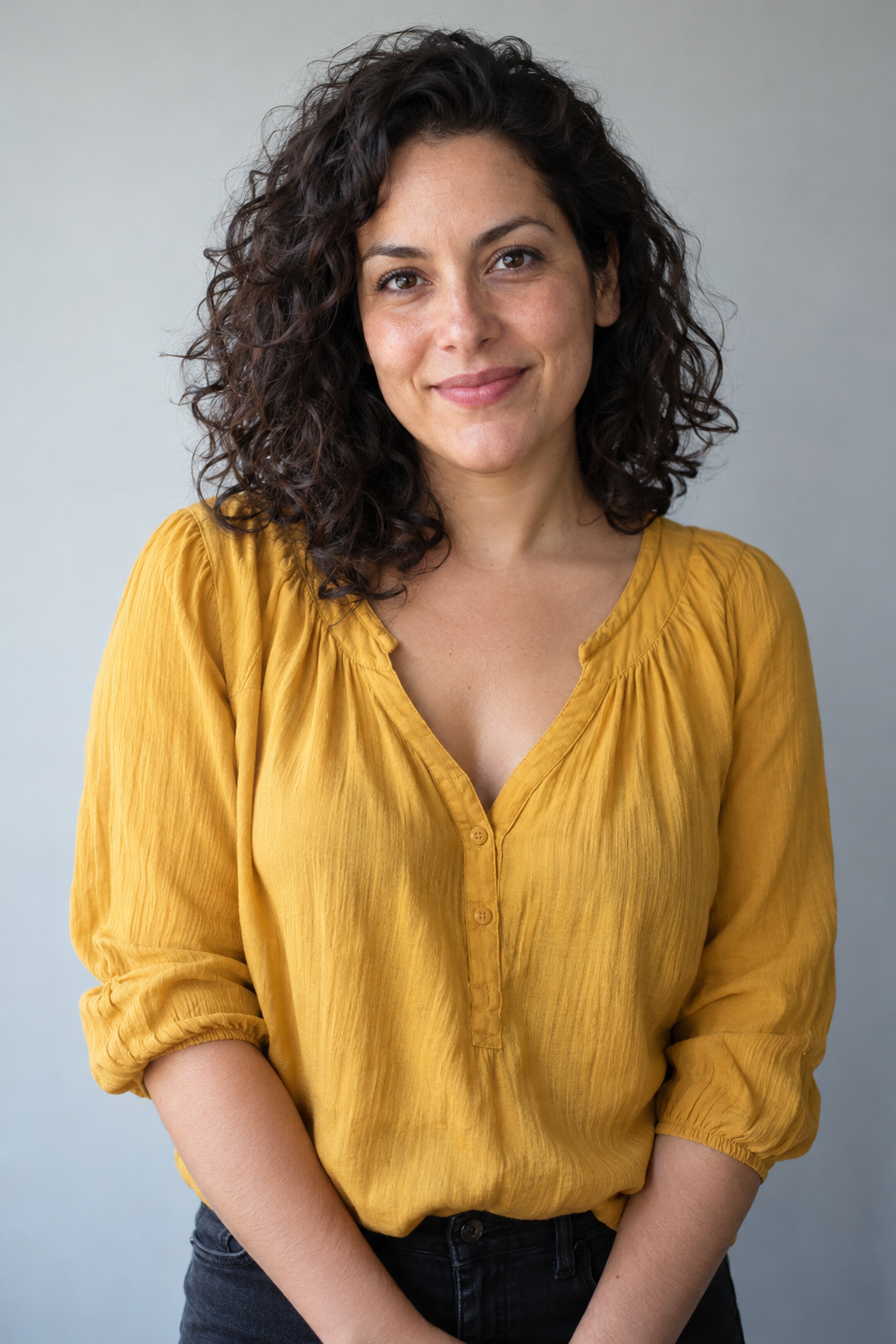
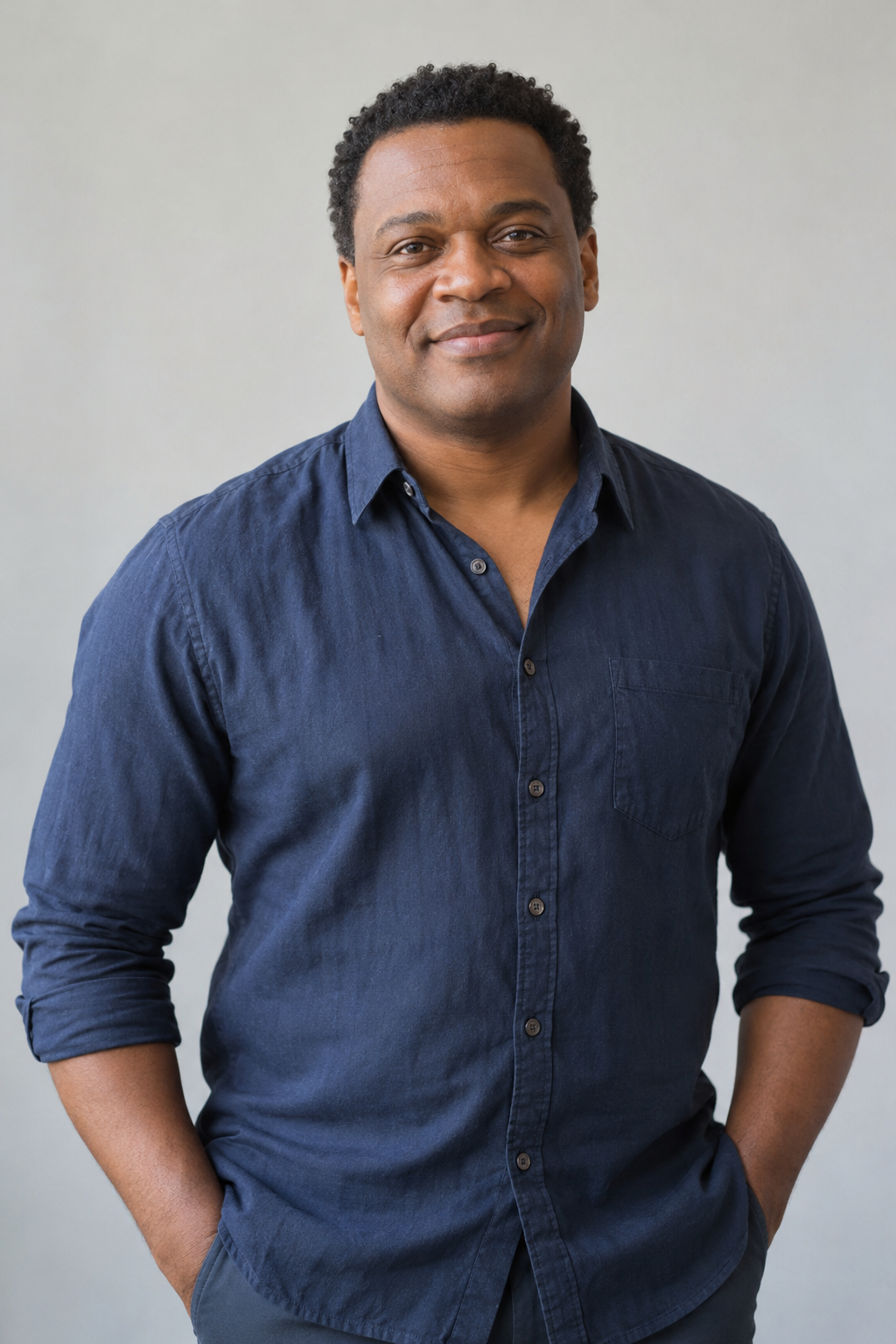
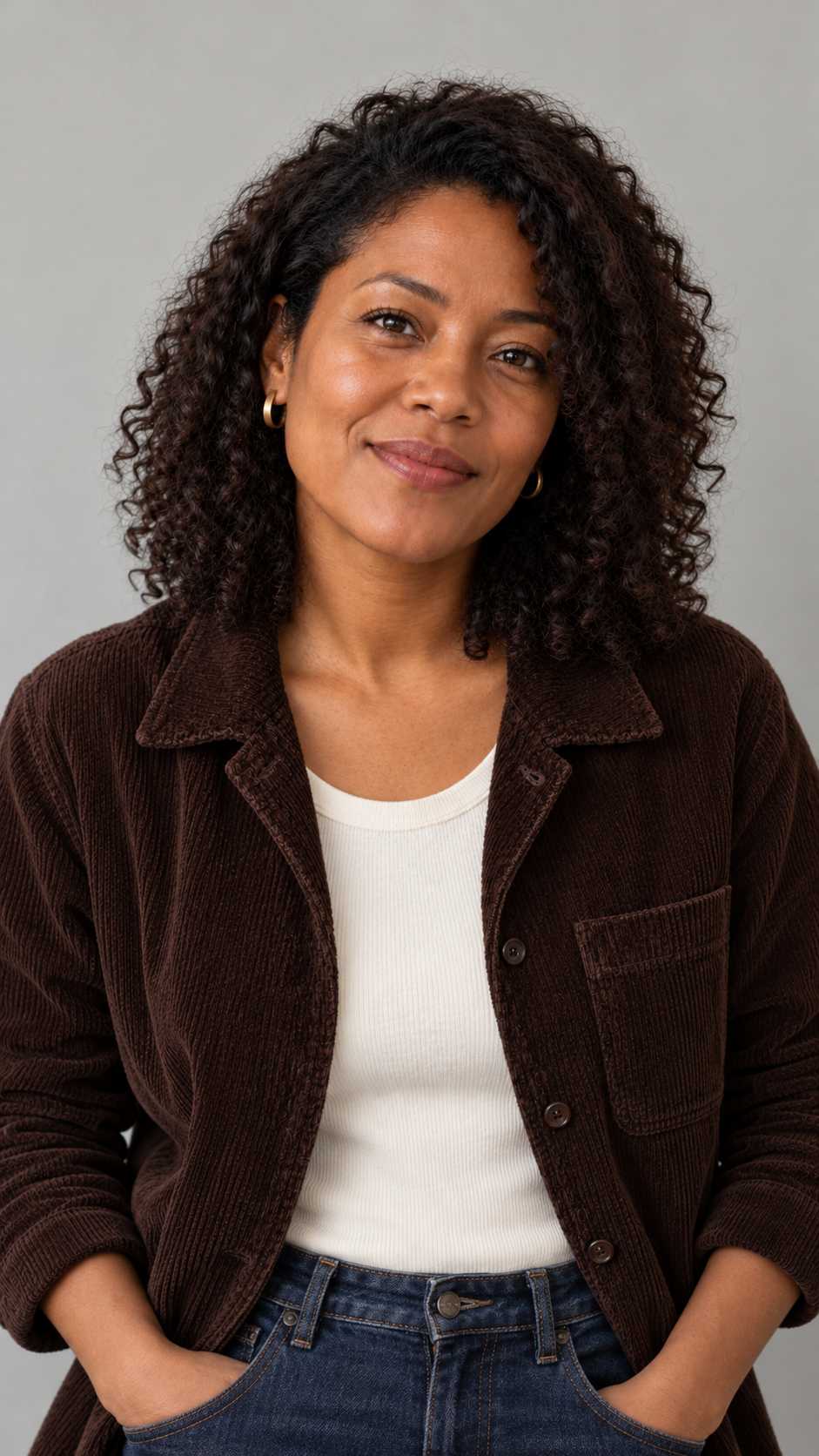
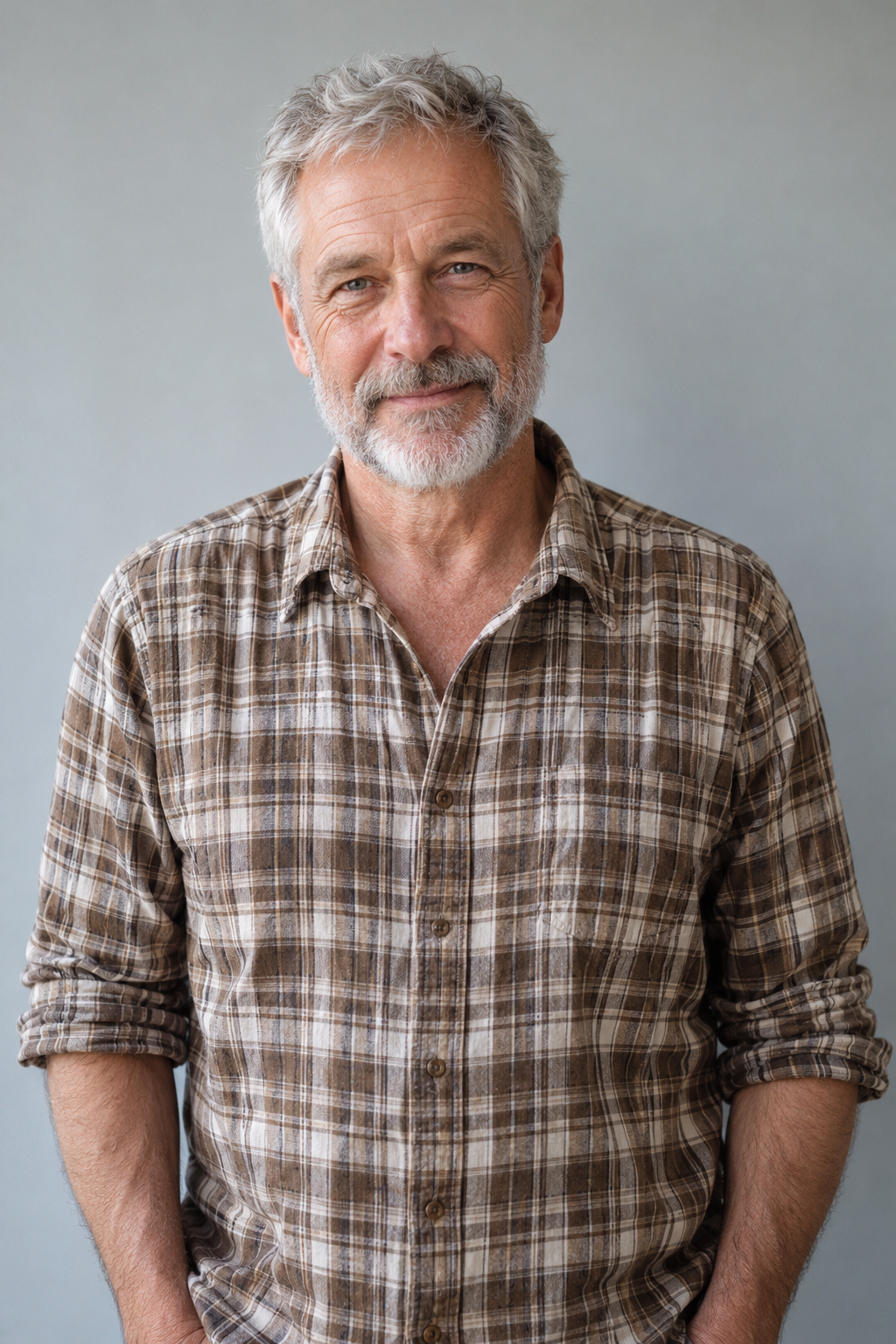
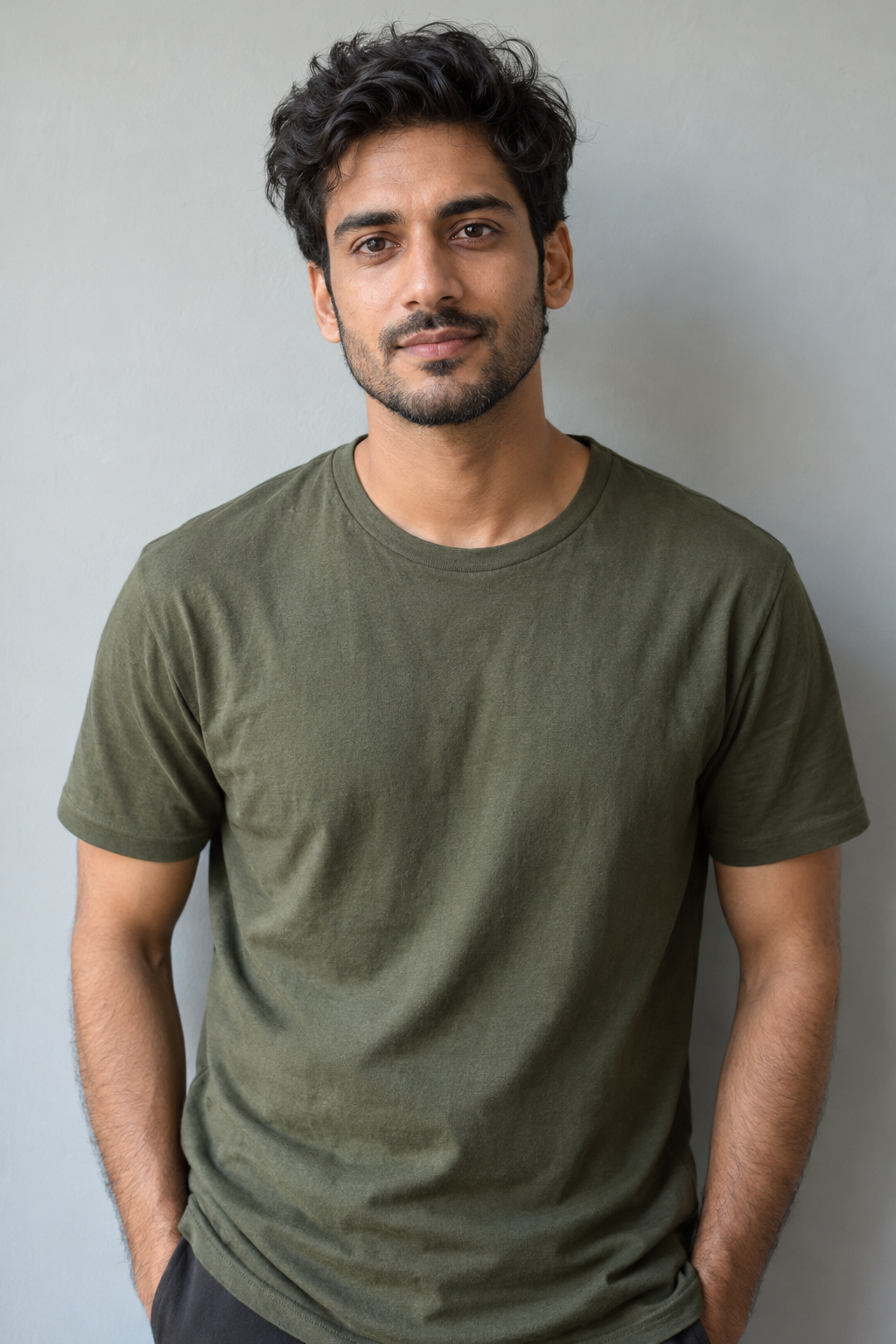
Add one clear photo for the lead singer. Add up to four more photos to the labeled keyboard, saxophone and backing-vocal slots.
Your photos. Your band.
Turn your photos into a Tiny Desk AI band performance. Take the lead, cast your friends on keys, sax and backing vocals, and share a desk-side concert.
One adult per photo. Add your lead singer, then choose any supporting roles.
Add one clear photo for the lead singer. Add up to four more photos to the labeled keyboard, saxophone and backing-vocal slots.
Use the 19-second vertical template. Choose Standard or HD, with the matching soundtrack or a silent export. You do not need to write a prompt.
Your completed MP4 appears under Your result and My Creations. We also email a link to your finished video. Watch it, then download it for your next post.
Tiny Desk AI puts a new cast into a small, desk-side band performance. A lead vocalist shares the room with a keyboard player, a saxophonist and two backing singers, with bookshelves and instruments close around them. The camera moves between the performers and their reactions.
Your first photo casts the lead singer. The following photos cast keys, sax and the left and right backing vocalists. Start with the lead and use the prepared supporting cast for unfilled roles, or upload five photos to choose everyone.
You do not need a recording room, instruments or footage of yourself performing. Use portraits with clear faces and visible clothing. The prepared performance supplies the setting, gestures and camera sequence.
One-time video packs
Choose Standard or HD. Pay once, with no subscription. Your balance is charged when your video is ready.
1–5 photos · 5 band roles
1–5 photos · 5 band roles
1–5 photos · 5 band roles
1–5 photos · 5 band roles
Every performance is 19 seconds. Standard uses 50 credits and HD uses 125. Both support 1–5 photos, with the matching soundtrack or a silent export.
One-time payment · No expiryFailed videos use no balanceVideo link sent by email
It puts the people in your photos into a prepared desk-side band performance. The scene has a lead singer, keyboard player, saxophone player and two backing vocalists, with the camera moving between the performers.
Start with one photo for the lead singer and add up to four more for the supporting band. Use one adult per photo. Each upload area is labeled for the lead singer, keyboard player, saxophone player or a backing vocalist.
The lead singer photo is required. Add photos to any labeled supporting role; unfilled roles use the prepared supporting cast. Upload five photos when you want to choose every performer.
Choose a sharp, front-facing or nearly front-facing portrait, with both eyes, nose and mouth visible. Include the shoulders and some clothing. Avoid group photos, covered faces and strong filters. You do not need to hold an instrument in the photo.
Your photo supplies the person and visible outfit. The template supplies the desk-side room, bookshelves, keyboard, saxophone and performance arrangement. A simple, well-lit portrait is enough to cast a role.
No. The performance is prepared as part of the template. You choose the people through photos; you do not need to record yourself singing or playing, upload a reference video or describe each camera shot.
Your video is a 19-second performance in vertical 9:16 format. Standard requests 480p; HD requests 720p. The example above is a native 480p result.
With sound uses the matching template soundtrack. No sound gives you a silent video. Your portrait does not supply a voice recording, and this template does not offer custom lyrics, voice cloning or a separate audio upload.
Results can vary, especially during close-ups, turns, hand movements and contact with instruments. Clear, unobstructed portraits help. Watch the full result and check the faces, hands and timing before sharing it.
Your finished video appears under Your result. Open My Creations to return to your videos, or use the completion link sent to your purchase email.
No subscription is needed. Buy a one-time video pack. You can choose Standard or HD for each performance, and credits are deducted only after successful completion.
Yes. Choose photos you are permitted to use, with a separate image for each person or adult character. Add each photo to its labeled band role to choose the lead, keyboard player, saxophone player and backing singers.
Your camera roll has a band.
Take the lead or bring the whole group. Your photos cast the band; the performance is prepared.
Create my Tiny Desk video ↗